


Softr
About the brand
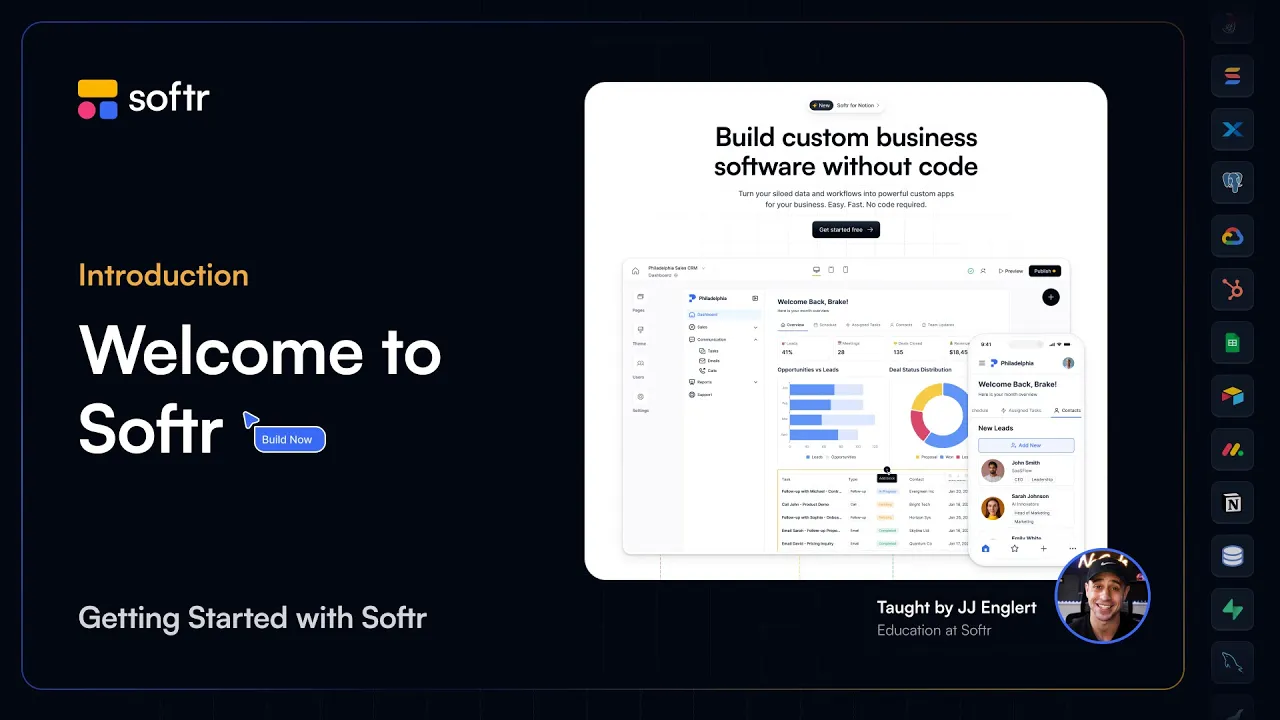
Softr is an AI-powered, no-code platform for building full-stack business software — internal tools, client portals, partner platforms, and operational systems — without writing code or relying on developers. What makes Softr different is that everything your app needs to work is already built in. Database, workflow automation, authentication, user roles, permissions, hosting, and security come standard — so teams can focus on building the things unique to their busines...s instead of setting up infrastructure. Softr also connects directly to 3rd-party tools including 17+ external data sources like Airtable, SQL databases, Notion, Hubpot, Google Sheets, — and a RestAPI to connect to anything. Today, more than one million organizations worldwide use Softr to build and run the software their businesses operate on. Read more
Price
Ease of use
Features
Service
Overall
Pros
-
 Easy drag and drop interface
-
Clean and visually appealing builder
-
Large template library for common apps
-
Built-in database and automation tools
-
Many integrations and external data connections
Cons
-
 Higher plans can be expensive
-
Free plan has limited credits
-
Certain advanced features locked behind higher tiers
In-depth review
Customer Service
Softr offers a well-rounded support system. Whether you are just starting out or building a more advanced application, there are several ways to get help. Additionally, Softr runs a community where users can share questions/ideas, and learn from other builders, as well as a blog which shares practical guides and product updates. Finally, Softr Academy provides tutorials and structured learning materials to help users understand the platform and build apps more effectively. Softr’s business hours are 07:00 to 00:00 Berlin time.

Live Online Chat
Softr provides a live chat support

Softr provides email support for all plans during business hours
Maab Saleem
We make the best effort to present up-to-date information; however, the terms of each offer can be revised according to the service provider’s discretion. The above shall not be considered as an expert or professional advice for any matter.
Price
Ease of use
Features
Service
Overall

Thank you!